Stop Staring at Your Spreadsheet.
Start Using a CRM That Works For You.
We'll transform your organized contact data into a CRM customized around your business, relationships, and follow-up process.
Not sure if you're ready? That's exactly what we'll figure out.

You Know You Need A CRM...
But Setting It Up Feels Like Too Much.
You don't know which settings matter.
You're worried about importing contacts incorrectly.
You don't want to lose important data.
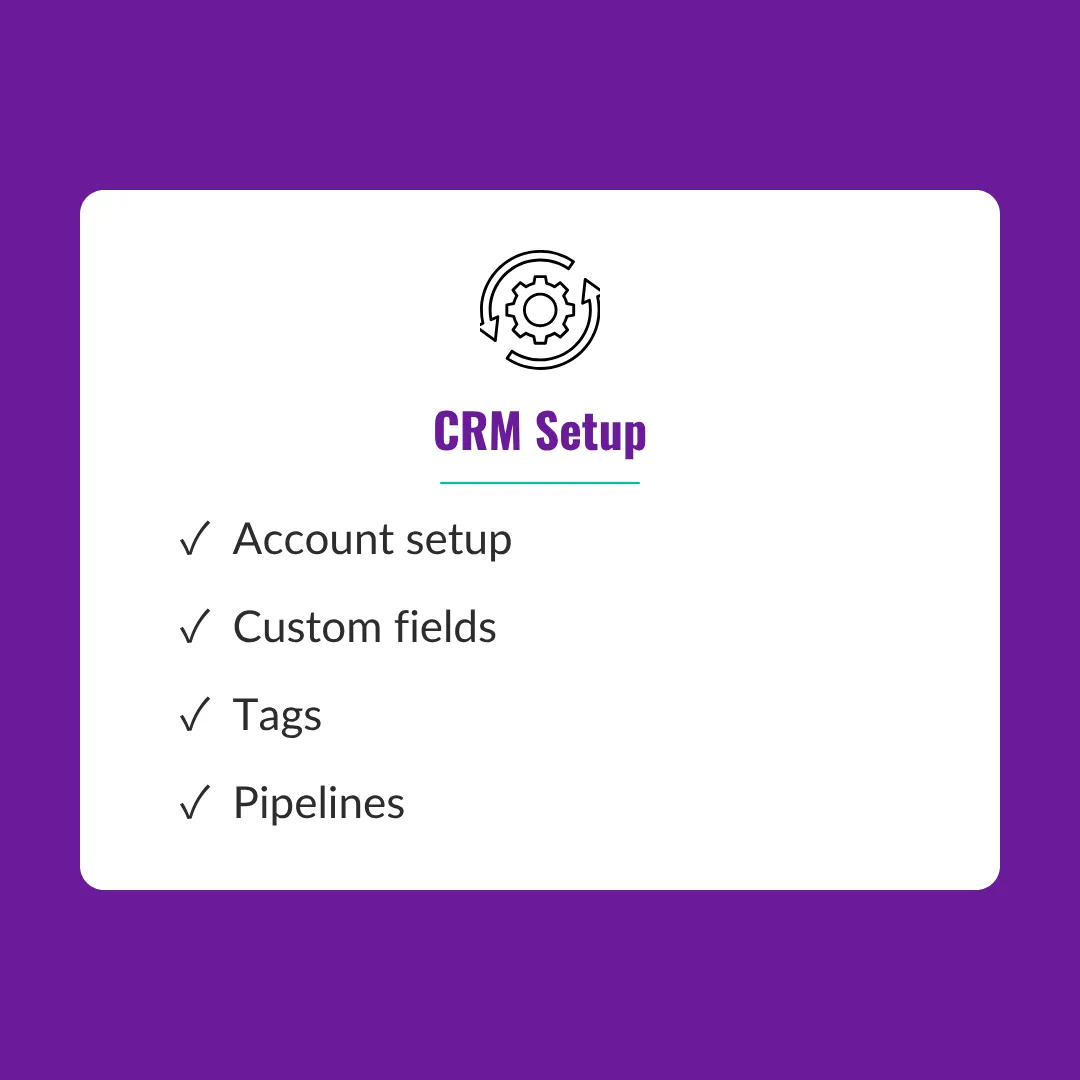
You don't know how to organize tags, fields, or pipelines.
You bought a CRM but never finished setting it up.
You don't need to become a CRM expert to benefit from a CRM.
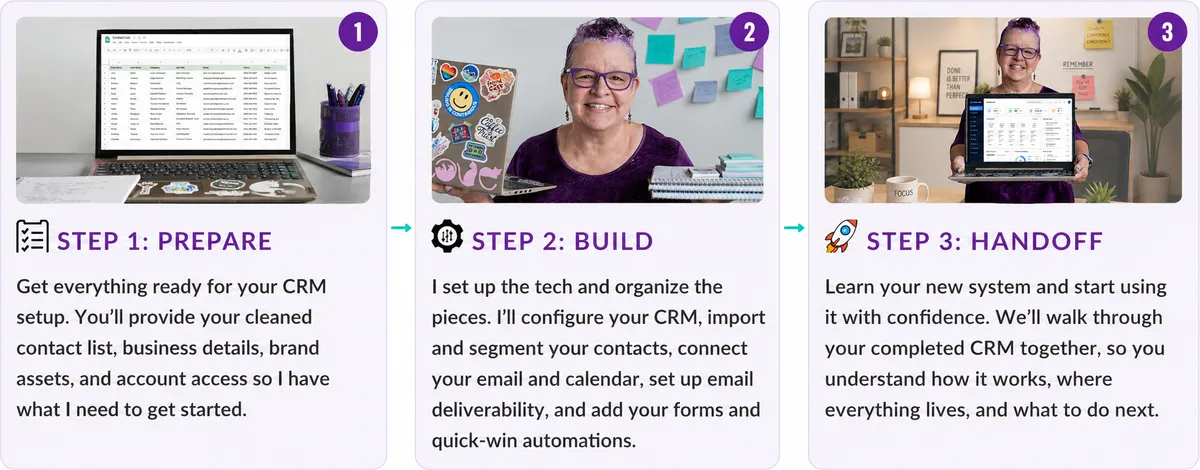
From Spreadsheet To CRM
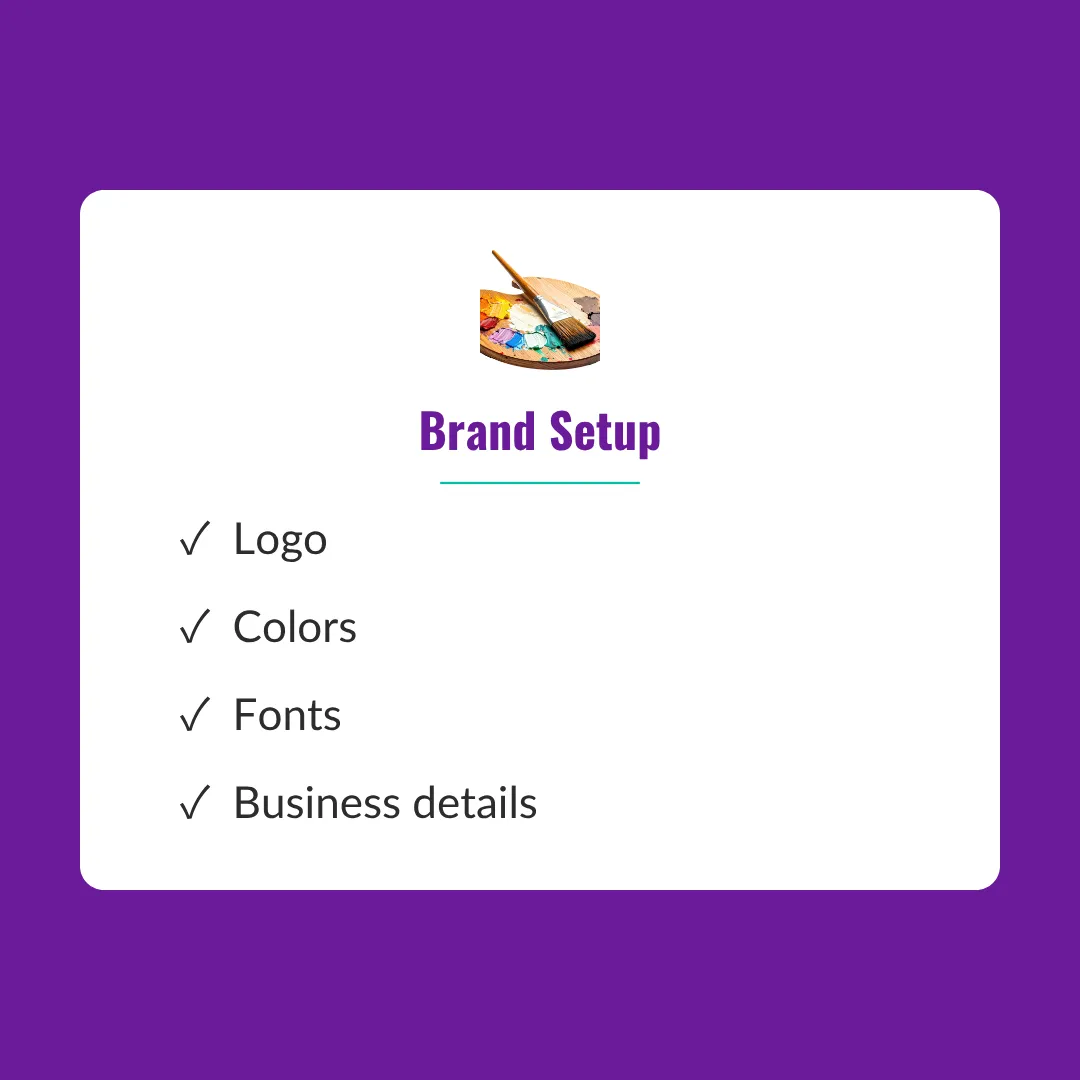
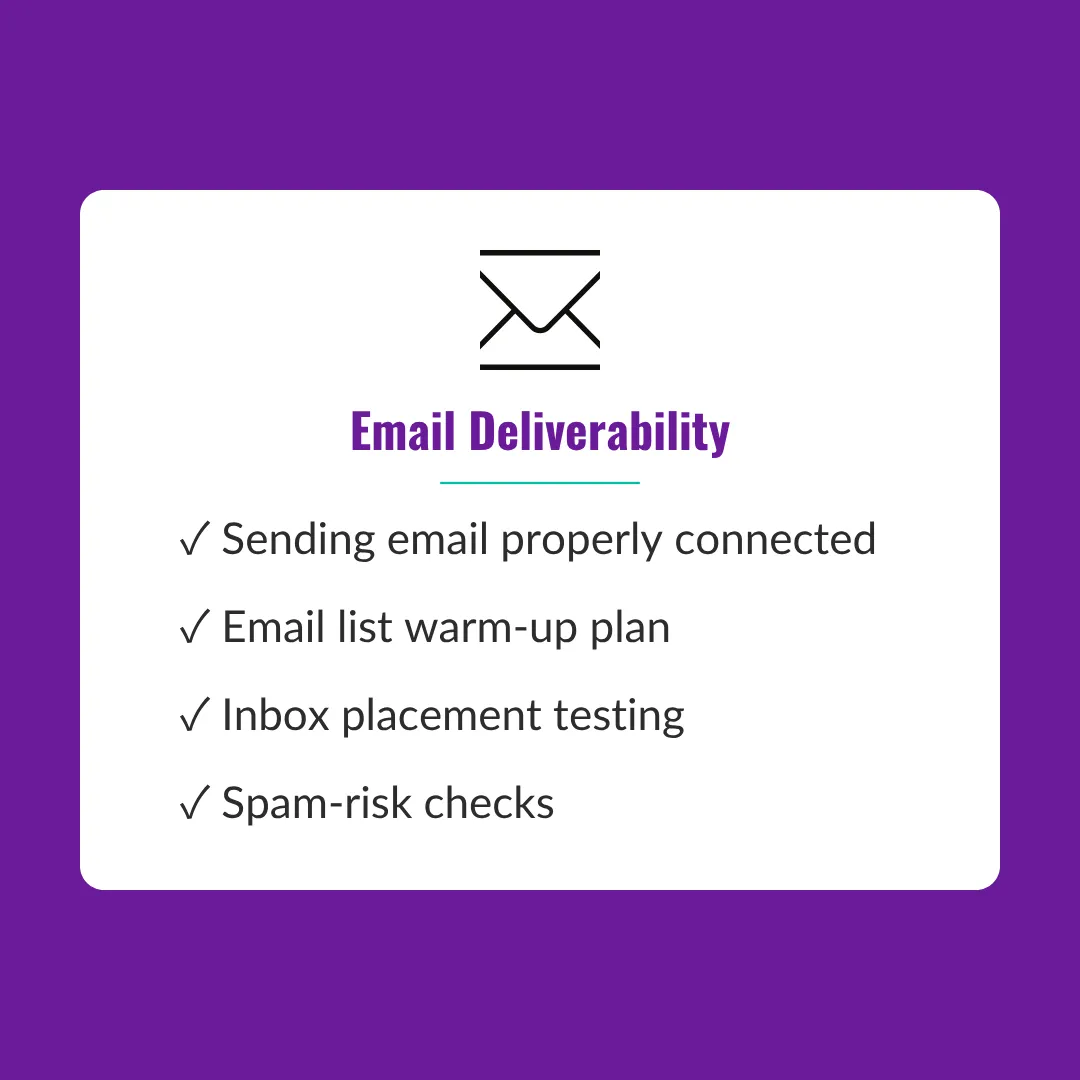
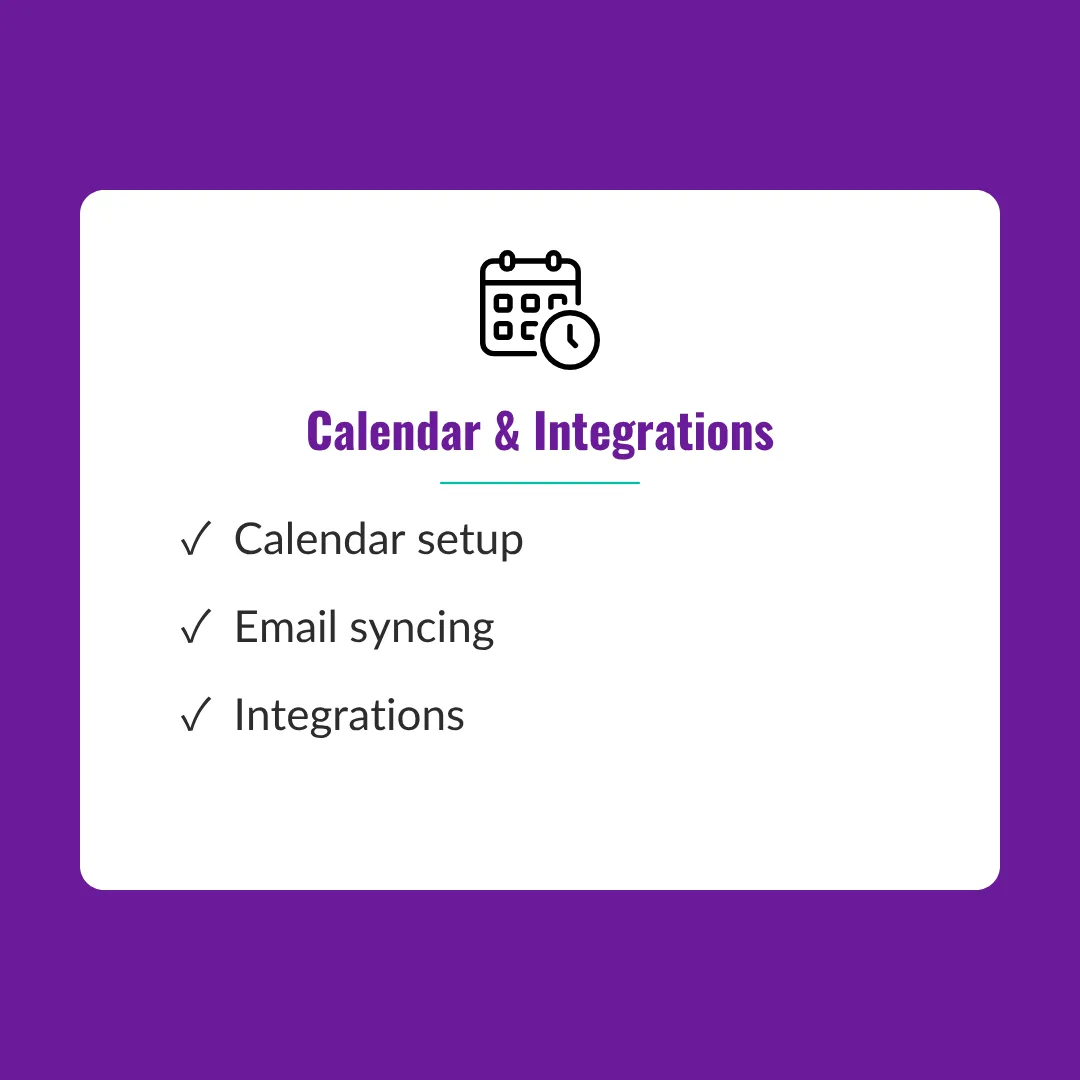
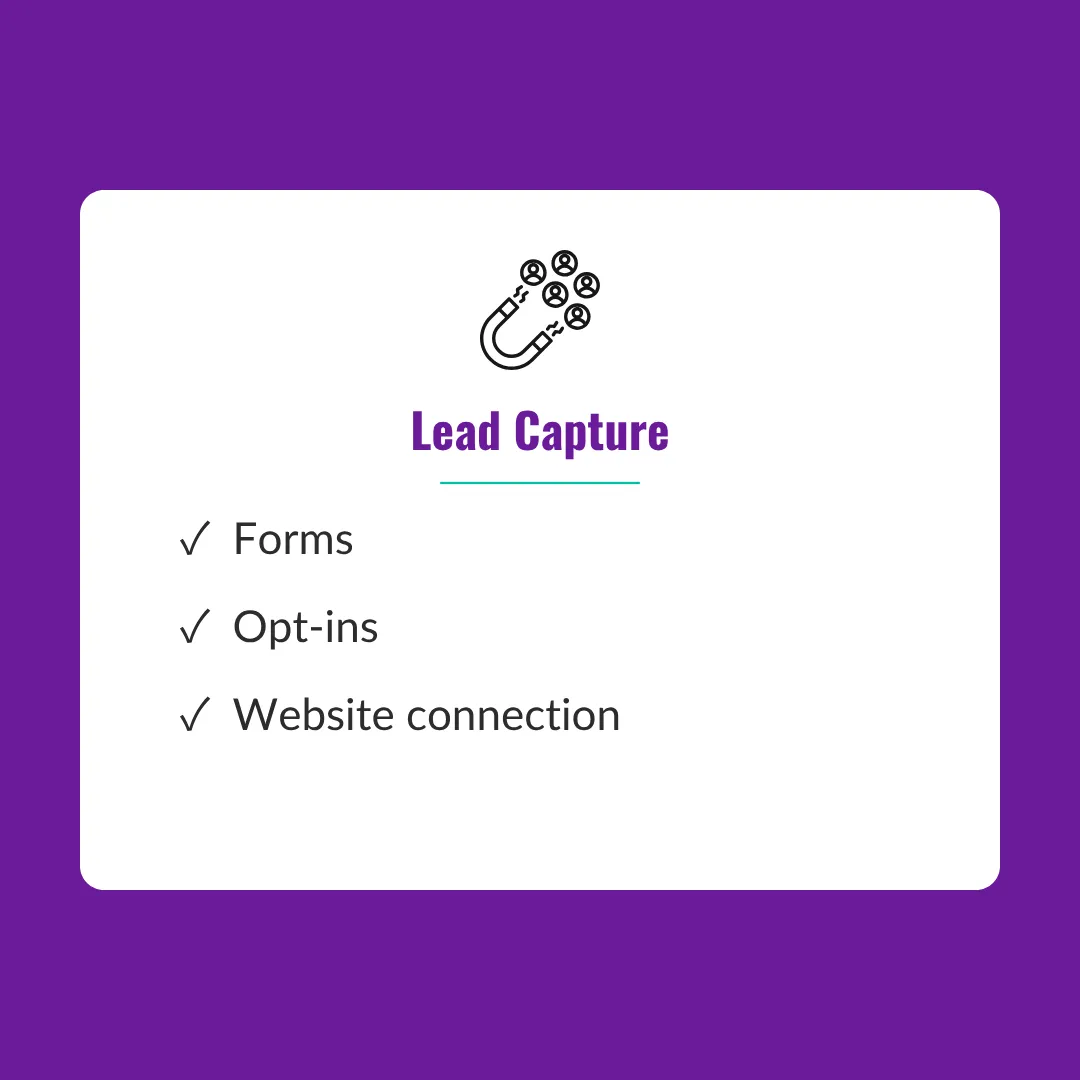
What is Included?
PLUS: QUICK-WIN AUTOMATIONS
Thank-you sequences
Follow-up reminders
Welcome email triggers
Simple systems that help you stay consistent.
Not sure if you're ready? That's exactly what we'll figure out.
BEFORE WE BEGIN
To make your implementation smooth, you'll gather:
Clean contact spreadsheet
Brand assets
CRM/domain/email access
Business information
Preparation allows your CRM to be completed efficiently.
WHAT YOU WALK AWAY WITH
Before
Spreadsheet full
Scattered contacts
Avoiding follow-up
Confused setup
After
Organized CRM
Meaningful tags and segments
Consistent systems
Confidence using CRM
Frequently Asked Questions
Which CRMs do you support?
I currently specialize in GoHighLevel, Ontraport, and ActiveCampaign. Not sure which one is right for you? That’s okay. We can look at your business, how you work, and what you actually need before deciding. The goal isn’t to put you into the fanciest CRM; it’s to choose one you’ll actually use.
Do I need my contacts organized first?
Yes, but they don’t need to be perfect. Before your CRM Quick Start begins, gather your contacts into a clean spreadsheet so we know what we’re importing and how to organize it. If yours are still scattered across notebooks, sticky notes, your phone, multiple spreadsheets, and who-knows-where-else, I can help you tackle that first.
What if I don't have my branding ready?
Don’t let that stop you. If you have your logo, brand colors, fonts, and headshot, I’ll add them to your CRM setup. If you don’t have everything yet, we can work with what you have and update the rest later. Your CRM does not need to wait for the perfect shade of purple.
What if I’m already using another CRM?
That’s okay! We’ll start by reviewing what you’re currently using, what’s working, and what needs to come with you: contacts, tags, custom fields, notes, and other important data. From there, we’ll determine the best way to move you into your new CRM. More complex migrations may require additional work outside the standard CRM Quick Start scope.
Will I know how to use my CRM afterward?
Absolutely. I’m not going to build your CRM, hand you the keys, and disappear into the night. Your CRM Quick Start includes a 45-minute live walkthrough, so you understand what was set up, how it works, and what you need to know to use it moving forward. You’ll also receive a setup checklist, with the option for a Loom walkthrough you can reference later.
What happens if I need additional help?
You don’t have to figure everything out on your own after your setup is complete. If you want help adding automations, refining workflows, troubleshooting, or simply getting more comfortable with your new system, we can determine the best next level of support based on what you need.
Your spreadsheet was the hard part.
Now it's time to turn those contacts into a system that helps you stay organized,
nurture relationships, and follow up with confidence.
Not sure if you're ready? That's exactly what we'll figure out.





Get Savvy with your Systems
Join my list for simple, actionable strategies to help you organize your business behind the scenes. From follow-up systems to automation tips, I’ll show you how to make your tools work together so you can focus on what you do best.
